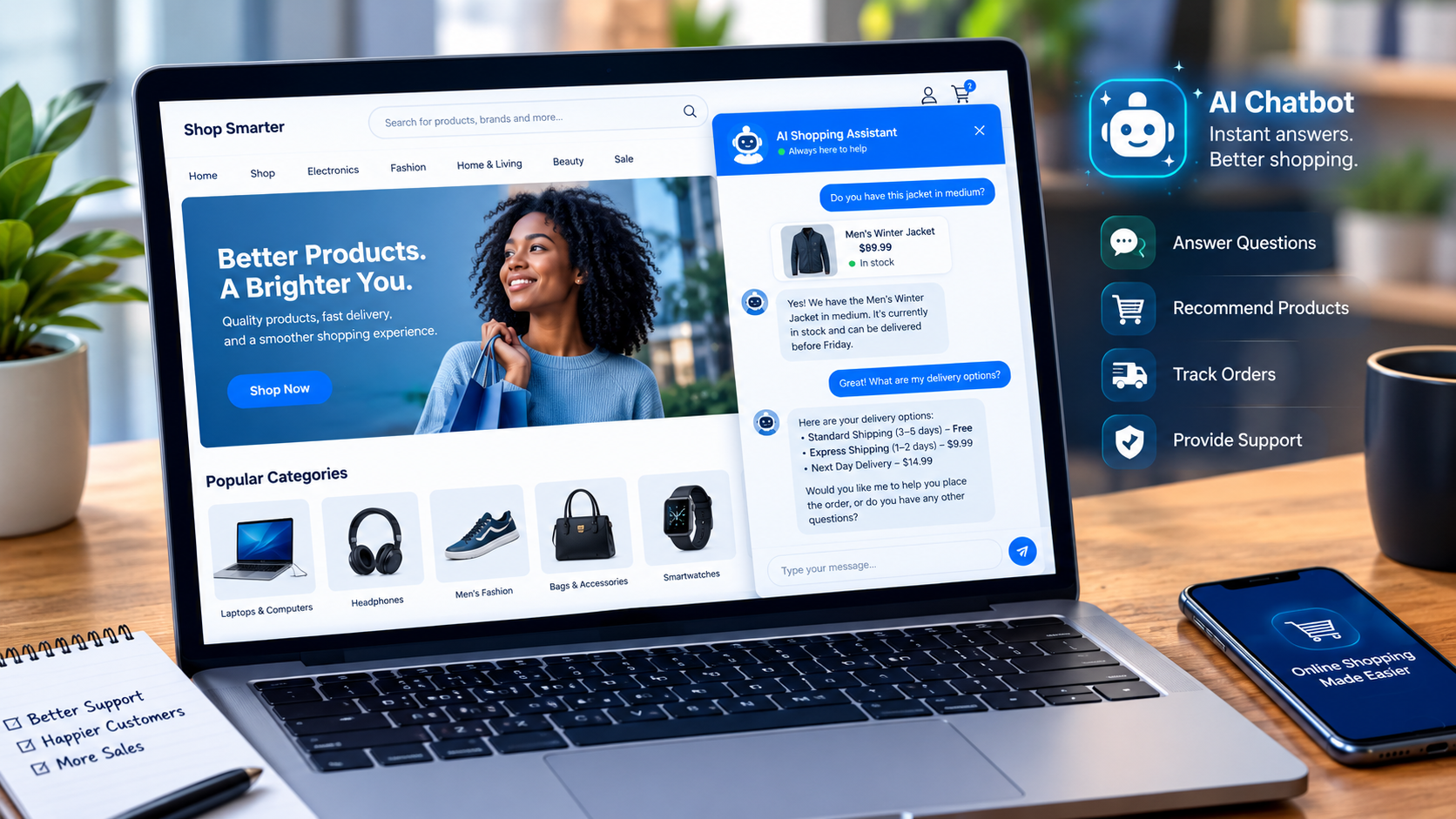
How to Integrate an AI Chatbot Into an E-Commerce Website
The exact installation process depends on your platform and the chatbot provider, but the general process looks like this.
Step 1: Identify your most common customer questions
Look through emails, live-chat conversations, contact forms and support tickets.
You might discover that customers repeatedly ask:
* “Where is my order?”
* “How long does shipping take?”
* “Can I return this?”
* “Do you have this in another size?”
* “Which product should I choose?”
These questions provide a practical starting point.
Step 2: Choose your AI chatbot platform
Select a solution that works with your e-commerce platform and supports the functions you need.
Some businesses can start with a native tool. Others may need a third-party application or custom API integration.
For Shopify stores, Shopify Inbox provides chat functionality and AI-assisted features, while additional third-party applications can provide more advanced automation.
Step 3: Connect your product and support information
Give the chatbot access to the information it actually needs.
Avoid giving an AI system unnecessary access simply because the integration allows it. Review what information is being shared and what actions the connected service can perform. Shopify specifically recommends reviewing the access and data permissions of third-party AI tools.
Step 4: Create clear chatbot instructions
Tell the assistant how it should communicate.
For example:
- Use a friendly and concise tone.
- Never invent product information.
- Explain when information is unavailable.
- Direct customers to a human agent when necessary.
- Do not promise delivery dates unless the system has reliable information.
- Provide links to relevant store policies when appropriate.
Clear instructions and accurate store context can improve AI-generated responses.
Step 5: Test the AI chatbot before launching
This is the step many businesses underestimate.
Ask the chatbot difficult questions, misspelled questions, vague questions and questions it should not answer.
Check whether it:
- Gives accurate information
- Understands natural language
- Provides useful product suggestions
- Handles uncertainty properly
- Escalates complicated issues
- Protects sensitive customer information
Do not assume that an AI-generated response is automatically correct. Even Shopify warns that AI outputs can contain errors and recommends reviewing AI-generated results. Shopify Ai Best practices guidance
How to Use AI Chatbots for E-Commerce Sales
A chatbot should not feel like an aggressive salesperson.
Instead of constantly displaying messages such as “BUY NOW!”, use conversational assistance.
A shopper looking at running shoes could ask:
“I run three times a week. Which of these would be better for long-distance running?”
A useful assistant could ask about distance, terrain, fit and preferences before suggesting relevant products.
This makes the chatbot part of the shopping experience rather than another advertisement.
AI can also help customers compare products, understand specifications and find alternatives when their preferred item is unavailable.
The broader direction of e-commerce is increasingly conversational, with AI being used not only for support but also product discovery and shopping assistance.
My editorial review: Don’t design your chatbot around the question, “How can we make it sell more?” Start with, “How can we make buying easier?” Better assistance can naturally support sales without making every interaction feel like a sales pitch.