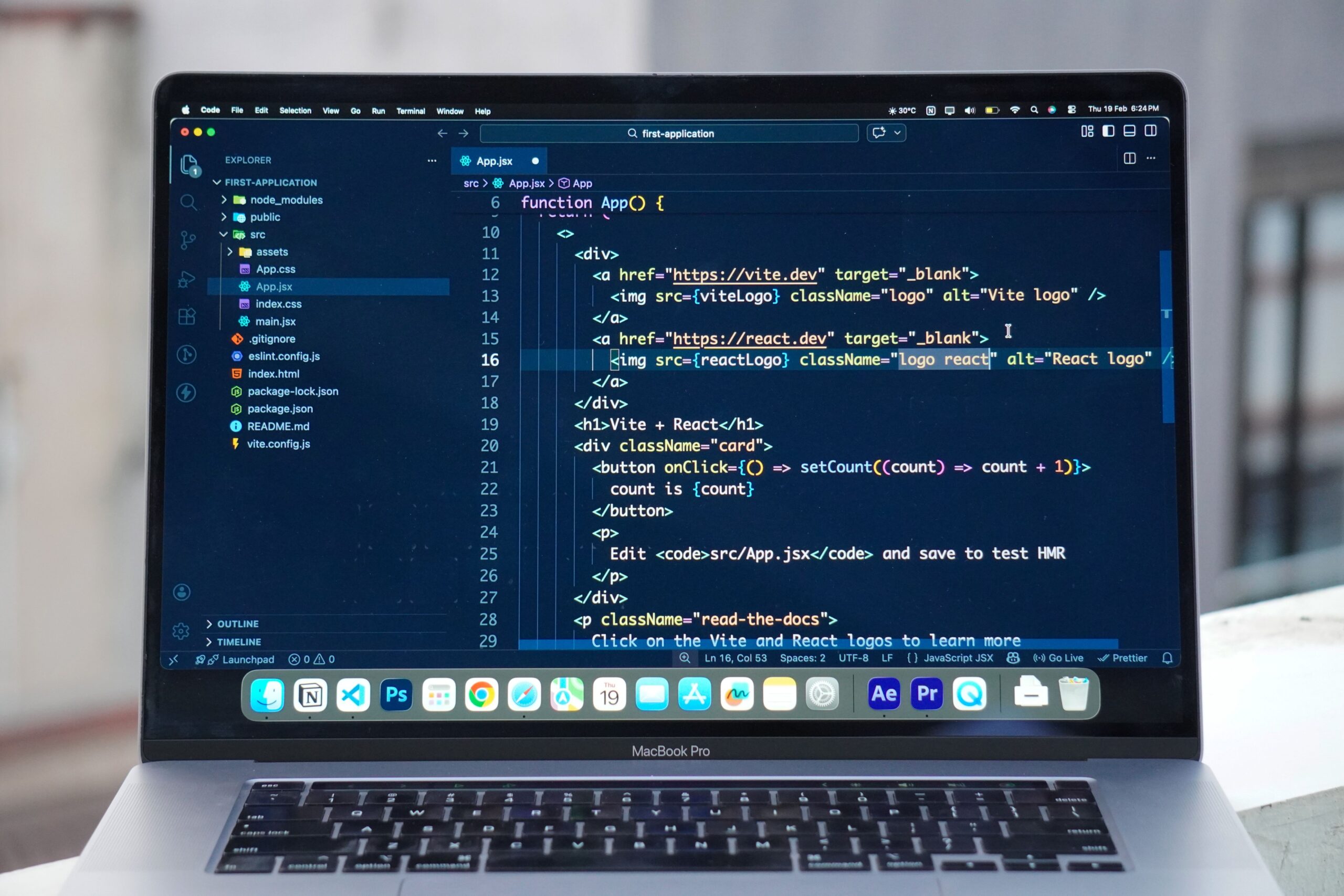
VS Code vs Cursor Editor: What Is the Real Difference?
The simplest way to understand the difference is to think about control versus AI integration.
VS Code
VS Code gives you a highly customizable editor where AI is one component of a much larger ecosystem.
It can make sense if you:
- Already have a mature VS Code setup
- Depend on many extensions
- Prefer choosing your own AI assistant
- Want to minimize workflow disruption
- Work across different programming environments
GitHub Copilot, for example, supports VS Code as well as several other development environments.
Cursor
Cursor is designed around the assumption that AI will participate much more deeply in your development workflow.
That becomes useful when you want AI to understand changes beyond the individual line you are currently typing.
Cursor’s Tab feature can predict multi-line edits and related changes across files.
So the choice is less about which logo you prefer and more about how much of your development process you want AI involved in.
Best AI Code Autocomplete Tools for Different Developers
Instead of looking for one universal winner, consider the type of developer you are.
If You Want AI Inside Familiar VS Code
GitHub Copilot is the obvious option to investigate first.
It combines inline suggestions with broader AI coding capabilities without requiring you to leave VS Code.
If You Want an AI-First Editor
Cursor is worth considering.
Its Tab feature goes beyond basic completion and attempts to predict subsequent edits and related changes.
If You Build Heavily With AWS
Amazon Q Developer deserves attention because its IDE integration includes inline suggestions and AWS-oriented development capabilities.
If Privacy and Deployment Controls Matter
Look closely at tools such as Tabnine and compare their current enterprise, deployment and data-handling options against your organization’s requirements.
Do not choose a coding assistant purely because someone says it produces the “best code.” For professional development, where your source code goes and how it is handled can be just as important as autocomplete quality.
If You Want an Alternative AI-Native Workflow
Windsurf is another tool worth comparing with Cursor, particularly if you want an AI-focused development environment rather than a conventional editor with an AI extension.
My Editorial Review of the Best AI Code Autocomplete Tools
After comparing how these tools position their autocomplete capabilities and how the workflows differ, the most interesting conclusion is that autocomplete is no longer the main differentiator.
A few years ago, the question was:
“Which tool predicts my next line of code most accurately?”
Today, a better question is:
“How much context do I want my AI coding assistant to understand?”
A simple completion tool can save seconds repeatedly.
A context-aware assistant that understands the relationship between several files can potentially change how you approach a larger development task.
But there is a trade-off.
The deeper the AI gets into your codebase, the more important it becomes to understand its suggestions, review changes and maintain control over the architecture.
For that reason, I would evaluate these tools using five practical questions:
- Does the autocomplete actually fit your coding style?
- Does it understand enough context for your projects?
- Does it work with your preferred programming languages?
- Are the privacy and data-handling policies acceptable?
- Does the pricing make sense for how often you code?
Those questions are more useful than simply searching for a “number one” AI coding assistant.
How to Choose Between VS Code and Cursor Editor
If you are currently using VS Code and your main complaint is that coding feels repetitive, you probably do not need to replace your editor immediately.
Start by adding an AI assistant such as GitHub Copilot and see whether it improves your workflow.
If you find yourself wanting deeper codebase awareness, multi-file changes and a development environment designed around AI, then Cursor becomes a more meaningful alternative.
In other words:
Start with the smallest change that solves your problem.
You can always move from VS Code to Cursor later.