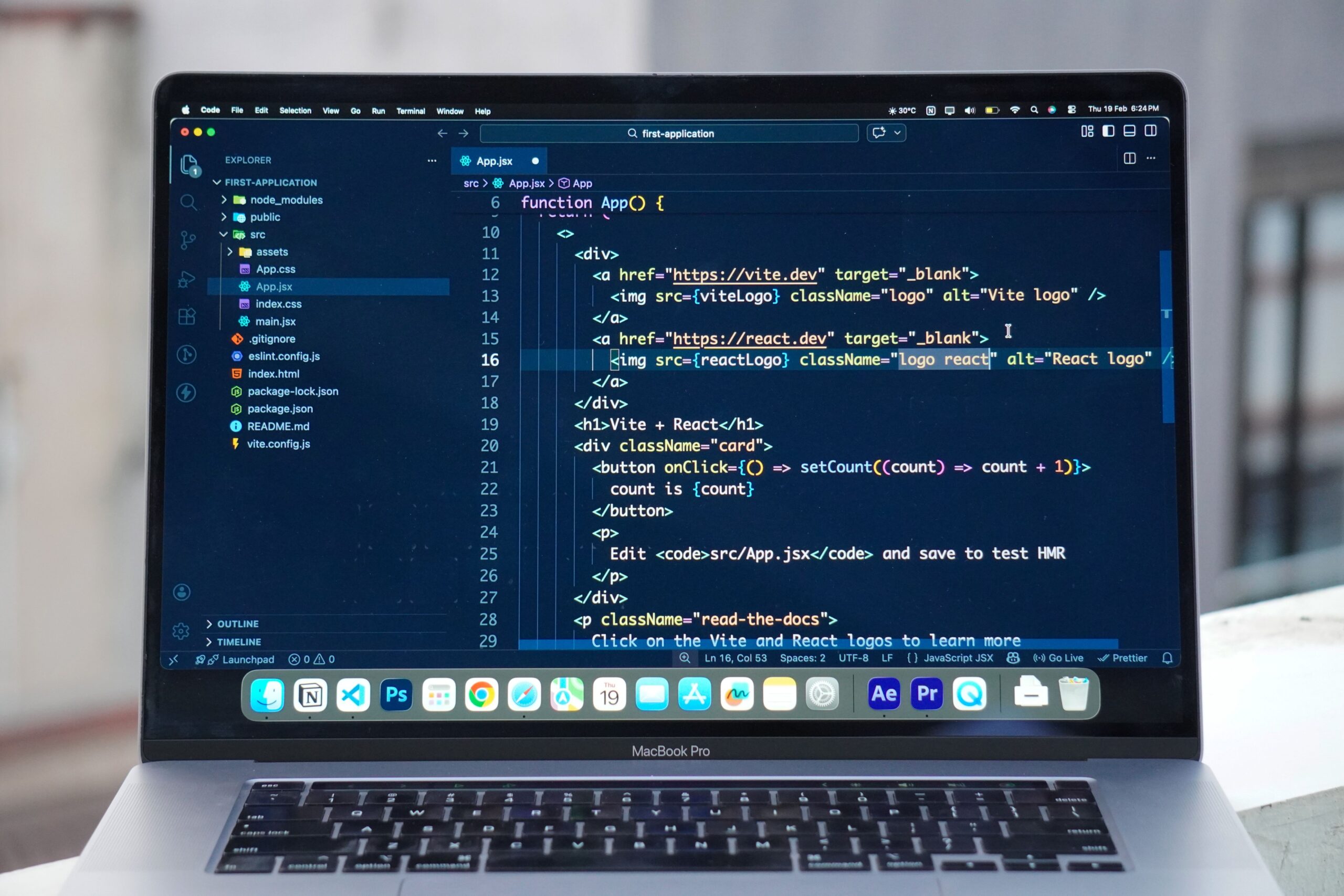
What Are the Best AI Code Autocomplete Tools for VS Code?
For developers who want to stay inside VS Code, several strong options are available.
1. GitHub Copilot for VS Code
GitHub Copilot remains one of the most recognizable AI coding assistants for VS Code.
Its inline suggestions appear as you type, often showing a greyed-out completion that you can accept with a keystroke. GitHub also describes Copilot as supporting both traditional “ghost text” suggestions and next-edit suggestions in VS Code.
That makes it useful for everyday programming tasks such as:
- Completing functions
- Generating repetitive code
- Writing comments into working code
- Suggesting imports
- Creating tests
- Working with APIs
- Generating code from natural-language comments
The important advantage is that you do not need to abandon VS Code.
GitHub Copilot’s current individual plans include a Free tier with 2,000 code completions per month, while Copilot Pro is listed at $10 per month with unlimited code completion and next-edit suggestions.
GitHub Copilot plans and pricing
For someone already comfortable with VS Code, that makes Copilot one of the easiest places to start.
What Makes Cursor Tab Different From VS Code Autocomplete?
Cursor takes a different approach.
Rather than being another extension inside your existing editor, Cursor is an AI-first code editor based on the VS Code ecosystem.
Its Tab feature provides AI-powered autocomplete based on recent edits, surrounding code and even linter errors. Cursor says Tab can suggest multi-line changes, missing imports and coordinated edits across related files.
That last part is where the difference becomes interesting.
Traditional autocomplete generally asks:
“What should come next?”
Cursor’s approach can go further:
“What are you probably trying to change next?”
Cursor can also predict another editing location after you accept a suggestion, which can reduce the amount of manual navigation required during repetitive coding work.
This is one reason developers interested in AI-native development environments often compare Cursor directly with VS Code.
Which AI Code Completion Tool Is Better for VS Code?
The answer depends heavily on what you mean by “better.”
If you want to keep your existing VS Code setup, GitHub Copilot is a straightforward option.
You retain:
- Your extensions
- Themes
- Keyboard shortcuts
- Debugging workflow
- Workspace configuration
- Existing development habits
- And you add AI assistance on top.
VS Code itself now integrates AI features more deeply, including Copilot-powered inline suggestions, chat and agent-style capabilities.
That makes the VS Code route particularly attractive to developers who do not want their AI assistant to dictate how their entire editor should work.