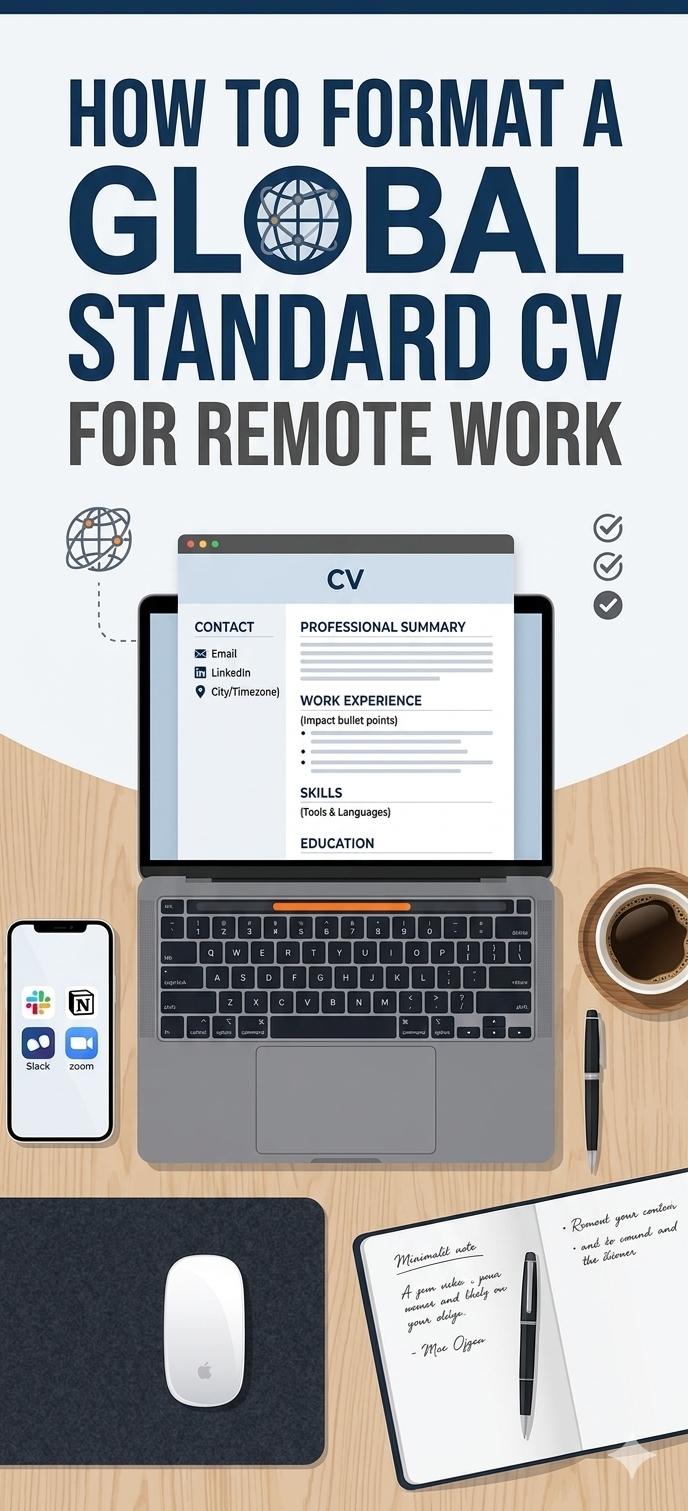
How To Format A Global Standard CV
1. The “Invisible” Filter:
Making It “An Applicant Tracking System (ATS) Friendly.
Before a human being ever lays eyes on your CV,
a piece of software called an Applicant Tracking System (ATS) will read it.
If the software can’t scan your file, you are out before the game even begins.
So you should:
* Ditch the Fancy Graphics:
Avoid using tables, progress bars for your skills (e.g., “Python: 80%”), or complex multi-column layouts.
The software can’t read them and will just see blank spaces.
* Keep the Font Standard:
Stick to global, clean fonts like Arial, Calibri, or Helvetica.
Keep the size between 10pt and 12pt for readability.
* Save as a PDF:
Unless the job description explicitly asks for a Word Document, otherwise, always save and submit your CV as a clean PDF.
This ensures your formatting looks exactly the same on the recruiter’s laptop as it does on yours.
2. The Header: Keep It Location-Independent
A classic mistake people make when applying for global remote work is putting their full home address right at the top.
International companies does not need to know your street number; they just need to know how to reach you and what your time zone looks like.
The Global Standard Header:
Name: Bold and clear at the top.
Email: Professional (e.g., firstname.lastname@gmail.com).
Location: Just your City, Country and your Time Zone (e.g., Lagos, Nigeria | GMT+1).
This tells remote employers exactly how you fit into their synchronous working hours.
Links: Your LinkedIn profile is mandatory.
If you are a developer or designer, add your GitHub or Portfolio link right here.